What's New
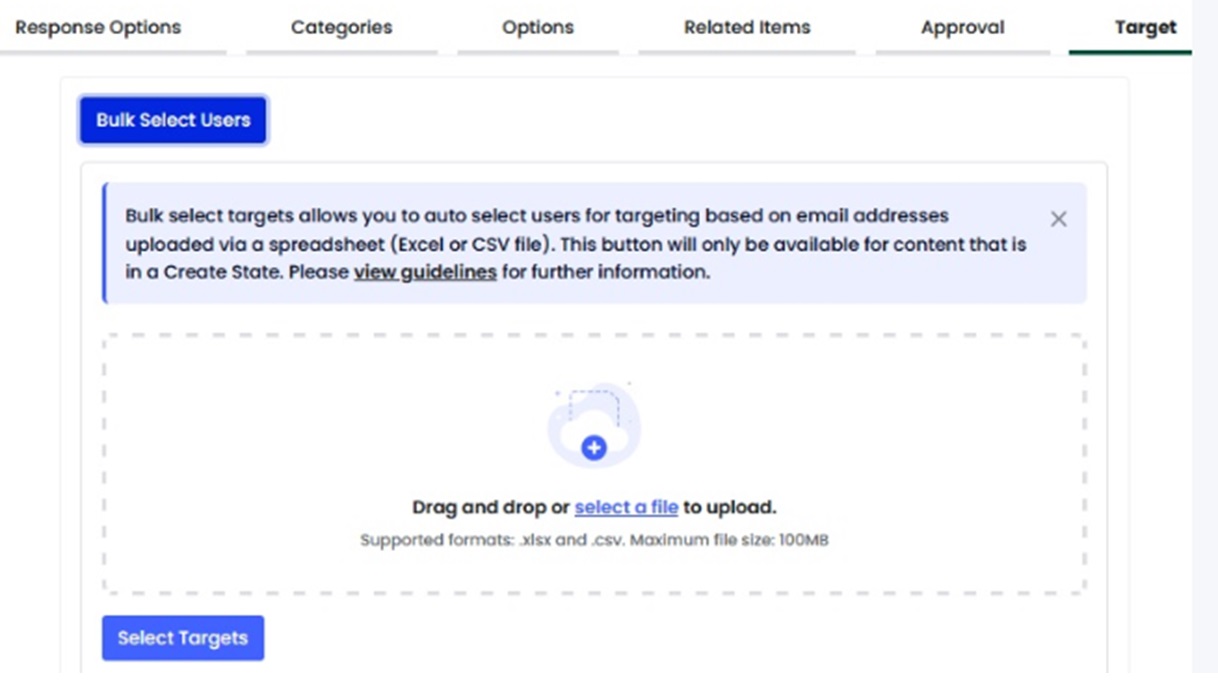
Bulk Select Users
January 26, 2024
We have released a new feature that will allow customers to bulk select users when targeting content to them. Customers will now have the ability to upload list of user emails via a spreadsheet that they require to be targeted, which save a significant amount of time compared to manually selecting users. View More
Departmental Series Campaign Template – Privileged Users
January 19, 2024
Our Departmental Series acknowledges the significance of providing security training customised to different job roles and their specific responsibilities.
We have recently launched Privileged Users titles, and now we have introduced a new departmental Campaign Template in English and Extended languages for our Premium Plus customers. This enables Admins to effortlessly set up a departmental campaign that covers 12 key risks with just a few clicks.

End to End Phish Preview
January 15, 2024
We have released a major change to the current Phish Creation workflow. This feature will ensure customers can review the full user experience ahead of publishing a phishing simulation. A step has been added to the workflow called ‘Preview’ which will replace the current ‘Send me a Copy’ functionality.

The Preview step will be mandatory ahead of publishing any phishing simulation. The creator of the phish will automatically be selected as a target for the preview and will have the option to add up to 4 additional users to preview the phish. This will send a Phish Preview to the selected users’ inbox.
The Phish Preview will allow the creator and additional previewers to review the following:
- Phish email template
- Data form (if attached)
- Attachment (if attached)
- Learning experience
- Exit summary
This will provide the full end user experience ahead of publishing the phish live. A successful preview must be run before the phish can be published. The Preview functionality will also help us ensure that the live phishing simulation will not get blocked and will be successfully delivered to your users.
New Trigger: Phish Failure
January 3, 2024
We’re making it easier to address phishing risks with a new Phish Failure trigger. This feature activates whenever a user fails a phishing simulation (e.g., clicking a link, scanning a QR code, or opening an attachment) two or more times, allowing admins to:
- Automate Remediation: Enroll users in training or escalate issues instantly.
- Deliver Targeted Feedback: Reinforce security lessons at the moment of failure.
- Save Time and Resources: Scale responses with consistent automation.
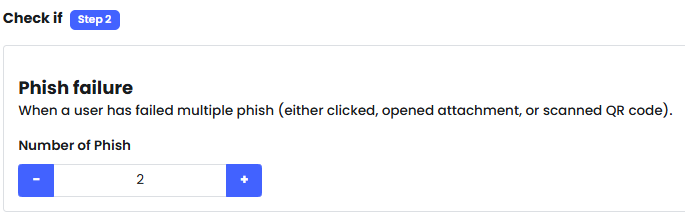
This feature empowers you to proactively manage human risks, strengthen defences, and build a culture of continuous improvement.
Hide Completed Archived Policies for End Users
November 27, 2023
We have added a new setting to the Company Edit page that provides customers with the option to hide completed archived policies from End Users. This setting was introduced to ensure that End Users who have previously completed (accepted) policies are not reading older versions of policies that are now out of date. View More.

Business User Management (Advanced) Permission
November 21, 2023
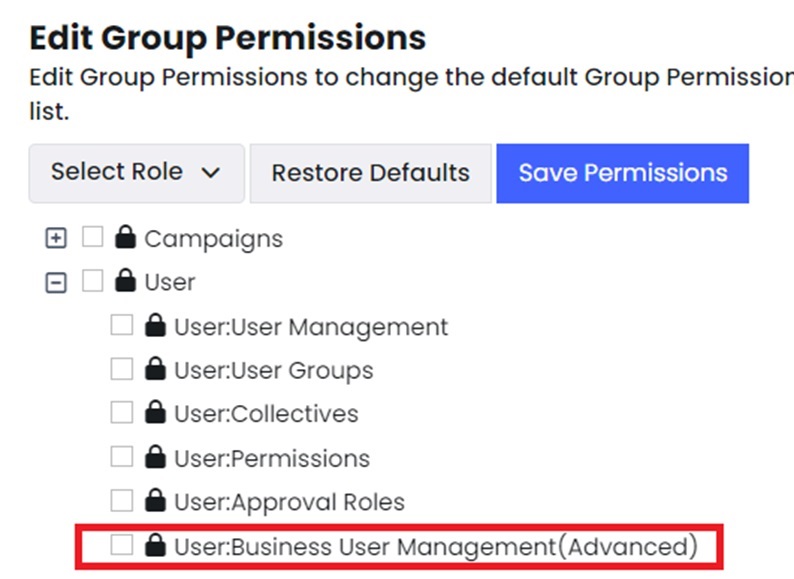
We have added a new permission for Business Users permission for that will provide them with more flexibility for managing user groups that have been assigned to them.
The Business User (Advanced) Permission provides Business Users with the ability to bulk add, edit & disable Email-Based Users within User Management for their assigned User Groups.
Administrators will need to provide Business Users with access to this advanced permission if they want avail of this functionality. More info can be found here.
Update to Policy Success Notice for Direct Access & Teams App
November 17, 2023
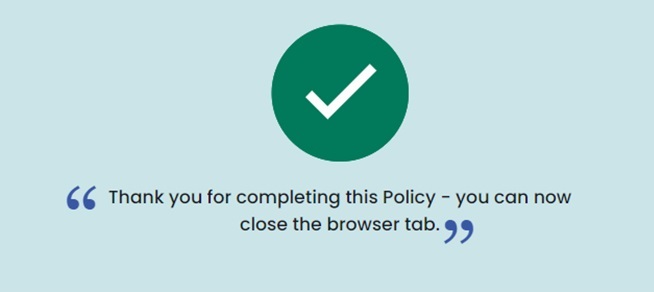
We have made a minor update to the success notification that is displayed after completing a policy via Direct Access and Teams. We have replaced the trophy image with a green tick.
Departmental Series Campaign Templates – HR, Marketing, Finance
November 15, 2023
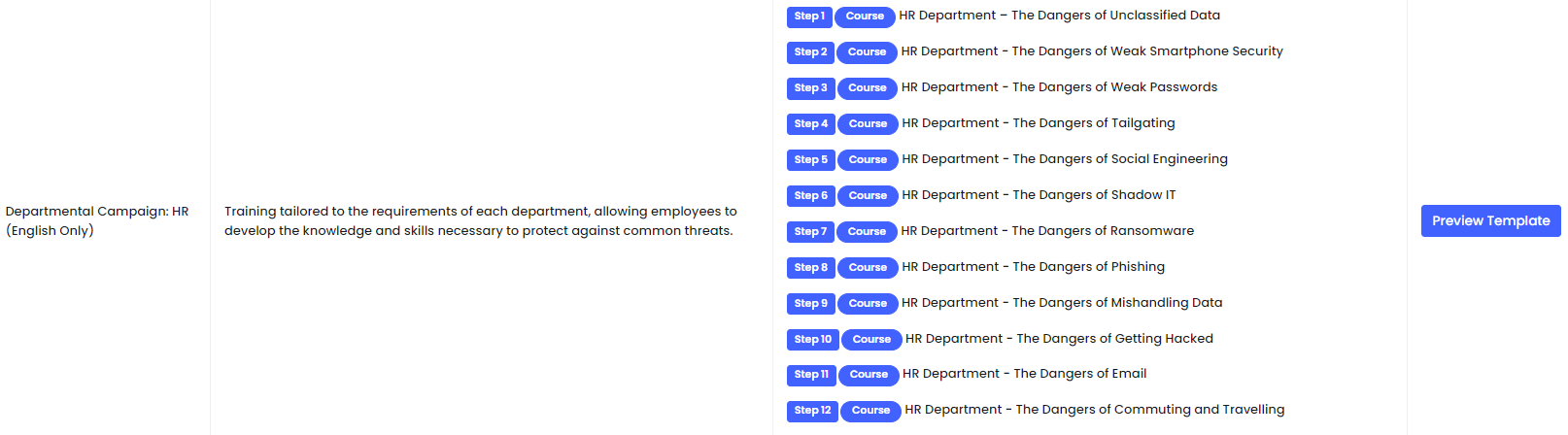
Our Departmental Series acknowledges the significance of providing security training customised to different job roles and their specific responsibilities.
We have recently launched HR, Marketing, and Finance titles, and now we have introduced three new Departmental Campaign Templates in English and Extended languages for our Premium Plus customers for these roles. Navigate to Campaign Templates to review and use these templates.
Updated Pie Chart Reports
October 20, 2023
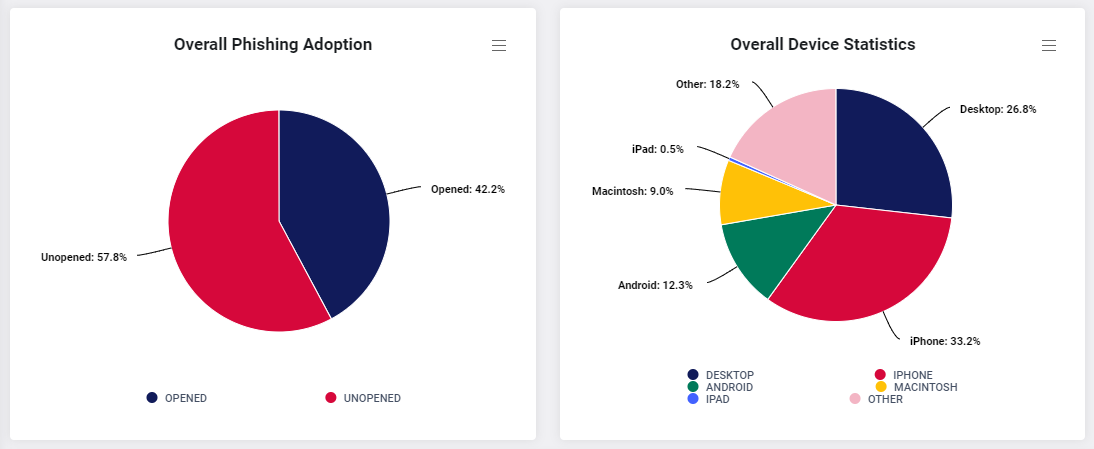
We have made an update to our pie chart reports so that it is easier for users to see the value of each segment at a glance. This removes the need for users hovering over a segment to see its value. The labels will also be visible when the reports are downloaded.
Cyber Police Season 2 Campaign Templates
October 20, 2023
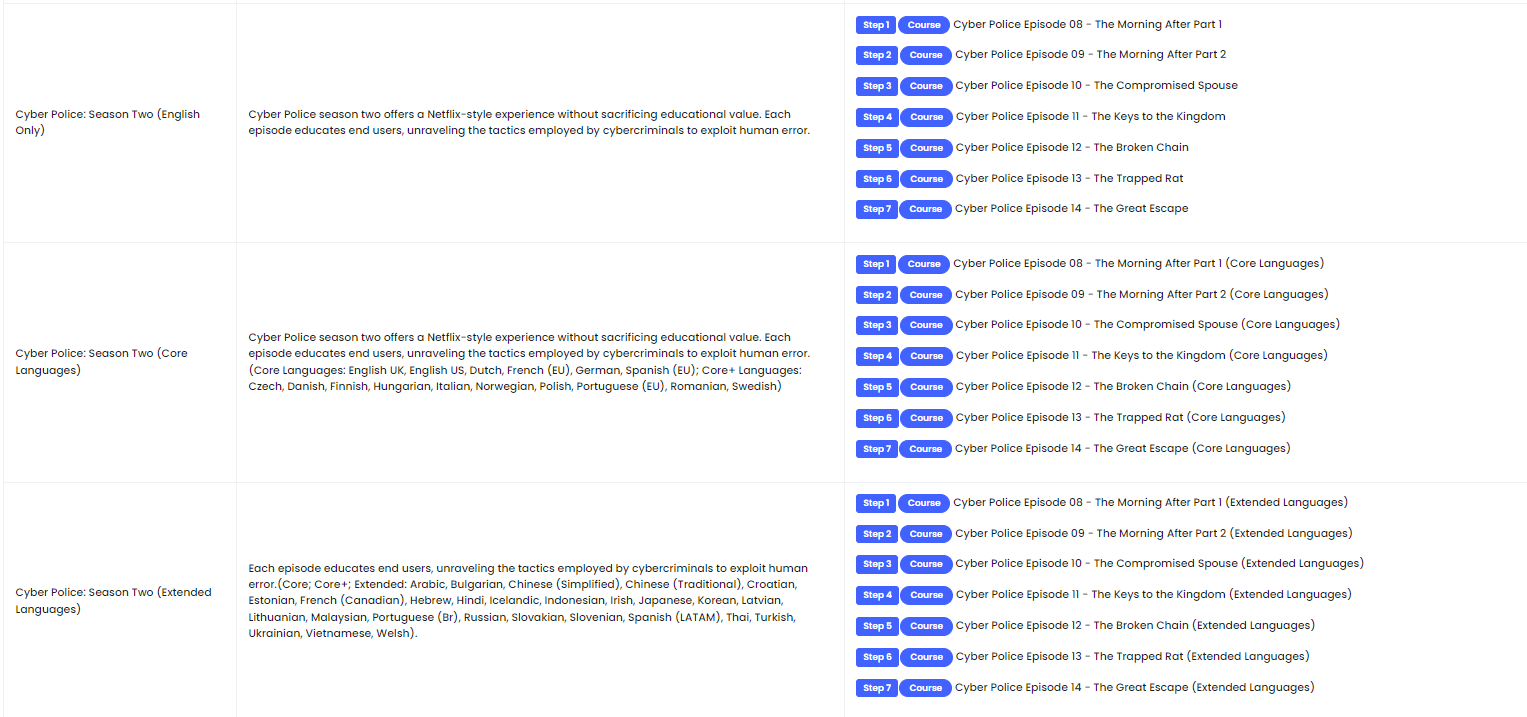
Following the release of Cyber Police Season 2 we have now created 3 new Campaign Templates for this content; English Only, Core Languages and Extended Languages for our Premium Plus customers. Navigate to Campaign Templates to review and use these templates to deliver this exciting content to your end users.
Phishing – Data entry column added to recurring phish victims report
September 30, 2023
We have made a minor update to the Recurring Phish Victims Report to show customers the number of end user data entries on the overview without having to click into each individual user. We hope this change makes the report more user-friendly for our customers.

Privacy Assessments – Add Contributors
September 12, 2023
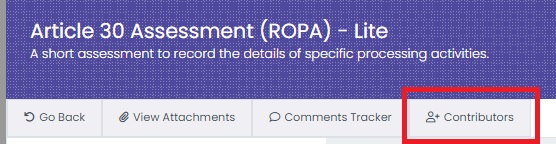
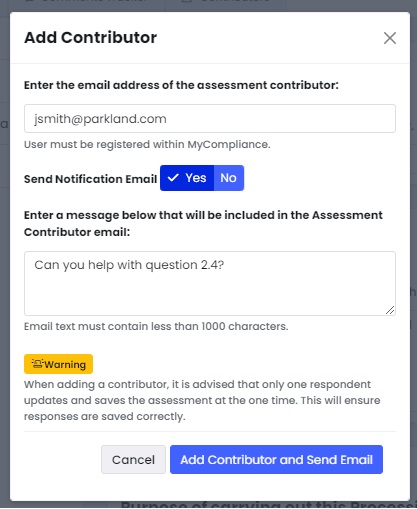
We have added a new ‘Contributors‘ button to privacy assessments that are in an ‘In Progress’ status, which allows the main assessment creators to invite other users to help with the completion of the assessment. View more.