What's New
MyCompliance Teams App 2.0
November 5, 2022
The MyComplance Teams App 2.0 has now been released with lots of new features and functionality, please contact your MetaCompliance Representative to upgrade to the latest version.
Alongside the new design & layout, below are the new features included:
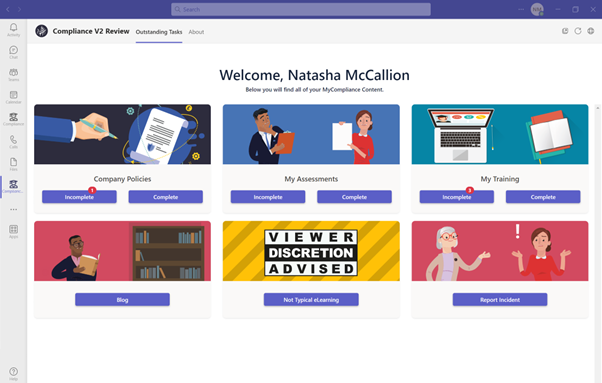
- Completed & Outstanding Policies, Surveys & Courses now available within the App.
- New Blog Tile – Any Blogs that you have enabled on the platform will now be available for review within Teams.
- New Report Incident Tile – Customers with the Incident module assigned will now have the ability for end users to report an incident via teams.
- New Viewer Discretion Advised Tile – Premium Plus customers can now enable this tile to provide users with access to the non-standard eLearning – City Factory Productions™.
- Consistent Tile naming to match Platform – if you have renamed your homepage tiles on the platform, these will now be reflected within their Teams App.
- Tile Notifications– a red number icon will be presented next to the Incomplete option if a user has outstanding Policies, Surveys or Courses.
- SCORM Course access – Any assigned SCORM courses will now be included within the Course list in Teams app, however upon clicking View you will be directed to the MyCompliance Platform to complete the SCORM Courses there.
User Group Targeting Update
October 29, 2022
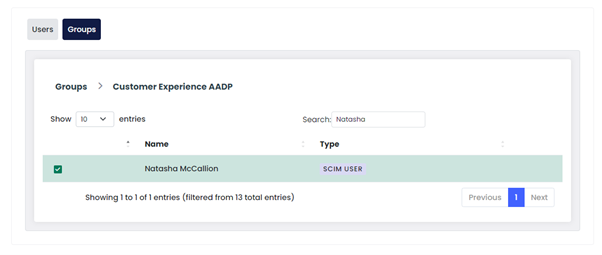
We have removed the limitation of not being able to target individual users within a Group.
Customers utilising SCIM User Provisioning, or who have the below view on the ‘Target‘ tab for all Content Creation pages, will now be able to target individual users within a Group. View More.
MyCompliance 10.0
October 29, 2022
The MyCompliance Platform has been upgraded to include several improvements to help both Administrators and Users to complete their relevant tasks. These updates include improved platform navigation, enhancements that have been raised direct from our customers, improvements to assist with accessibility & updated page layouts.
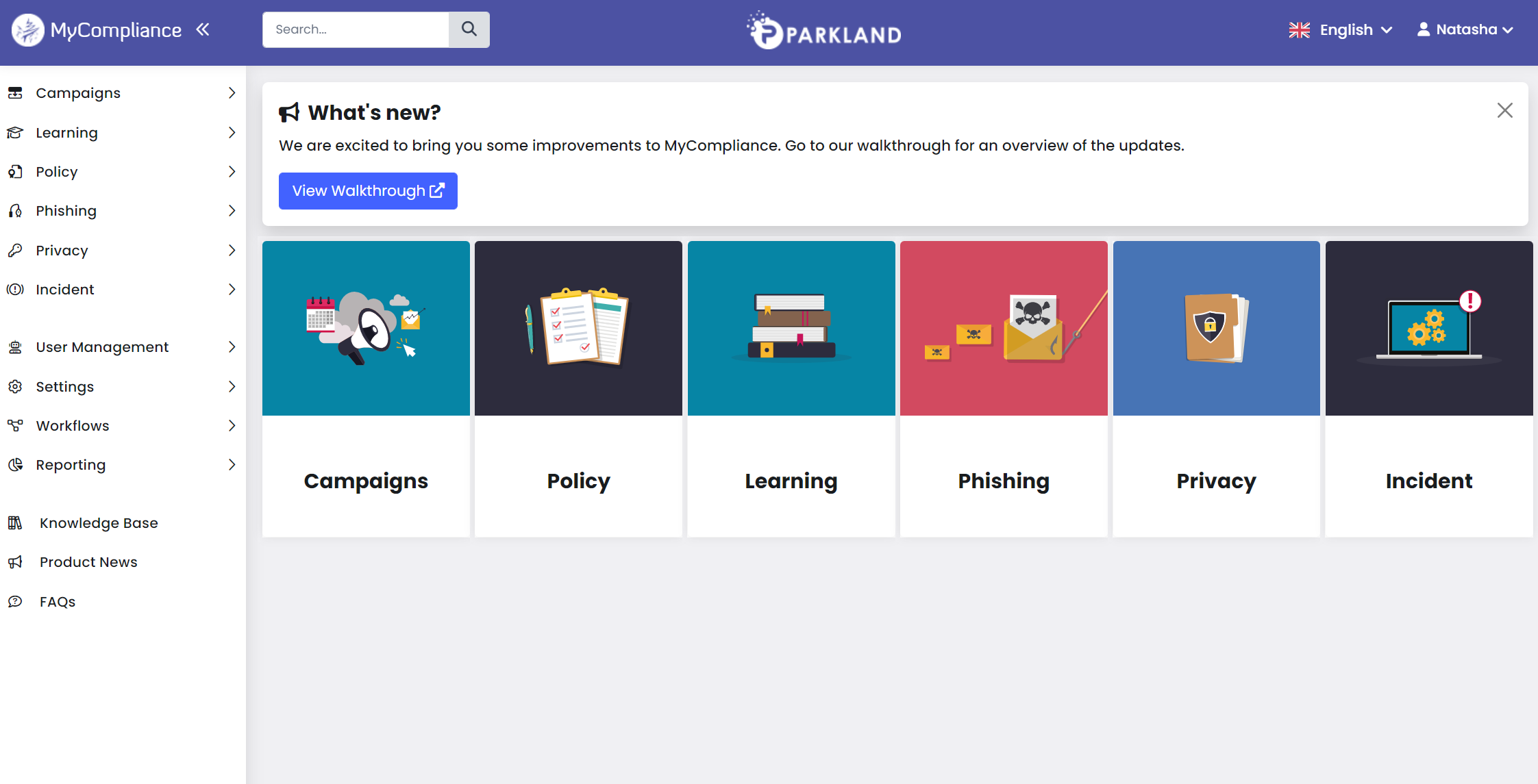
- The Admin Home & Home options have been removed from the Navigation menu and added into the user drop down at the right corner. View More.
- The MyCompliance logo will now direct you to the Homepage. View More.
- Many of the Form layouts have been restructured & improved. View More.
- The left Navigation menu has been updated to display Admin tasks to an Administrator & End user only tasks to end users. View More.
- The items from the bottom panel have been moved to the Navigation menu or the Profile drop down. View More.
- Text will appear bolder and clearer across the full platform.
- Reporting tiles for each Module will now direct you to the relevant Overview report.
MetaLearning 6.0
September 24, 2022
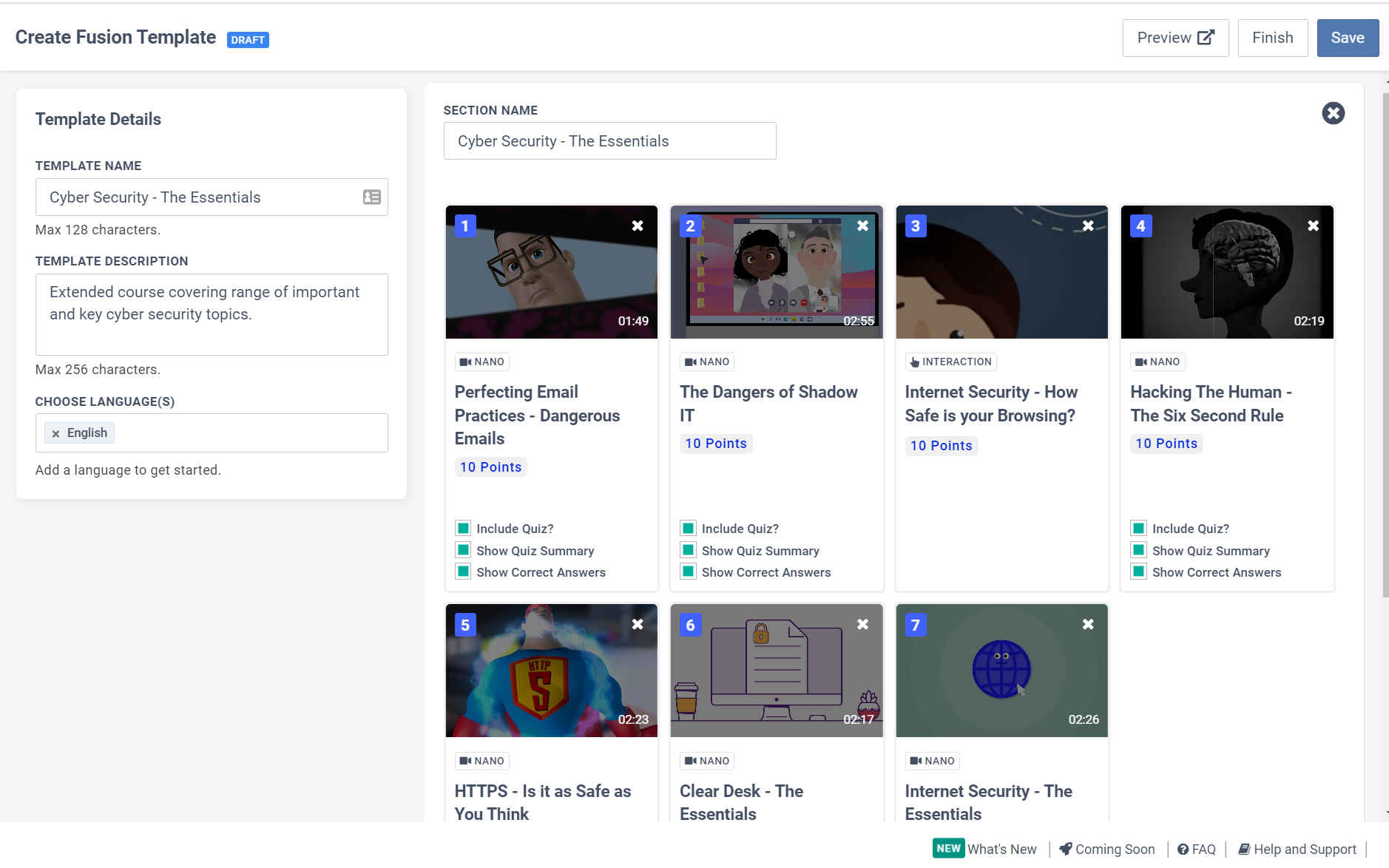
This release of our learning management system brings clear categorisation of our eLearning content library. Now you can sort hundreds of nanos by role, key risks, and threats. Based on the new filtering functionality, you can easily find the relevant content for your course and target audience.
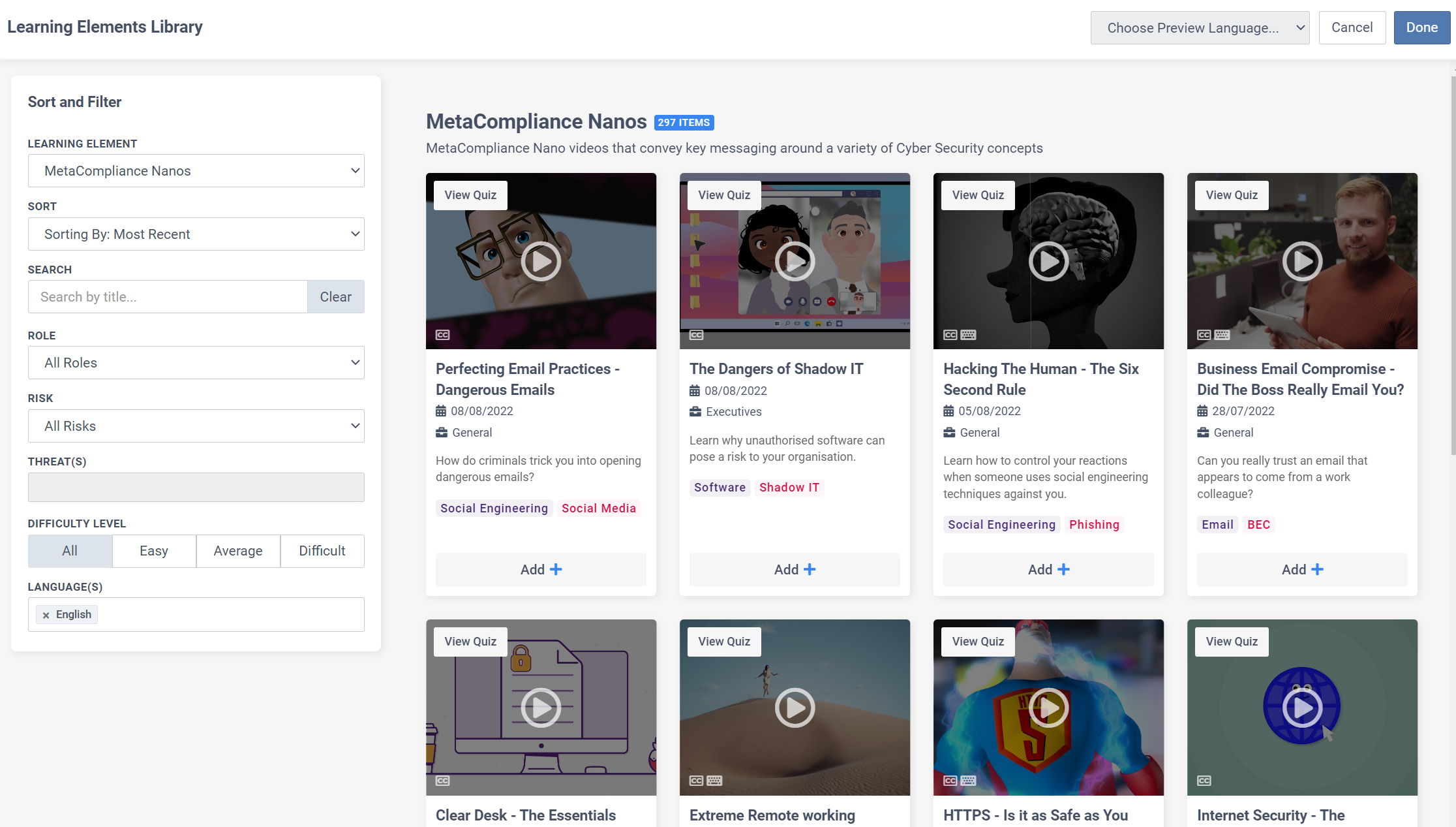
Additional updates also include:
- Introduction of the new ‘Elements Library‘
- Improved Administrator Navigation
- Separation of Template Types
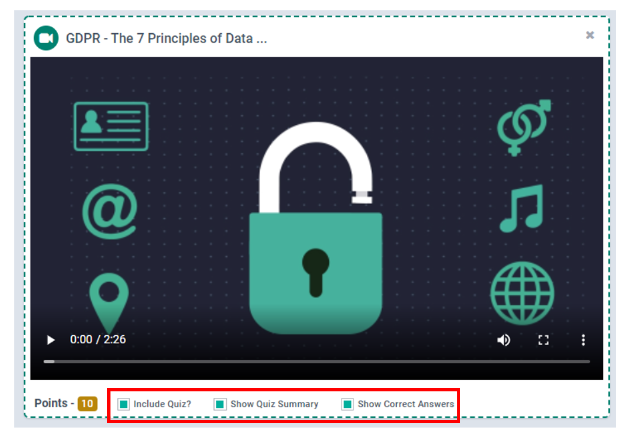
- New Quiz Previews
- Multi-Language Previews
- Improved Custom Content Upload
- Updated Course Flowbuilder View
- Multi-Language Quiz Updates
Find further information on each new update here. Additional Knowledge Articles can be located here to help with the reconfigured workflows and navigation.
Custom Attributes – Data Validation Form
September 10, 2022
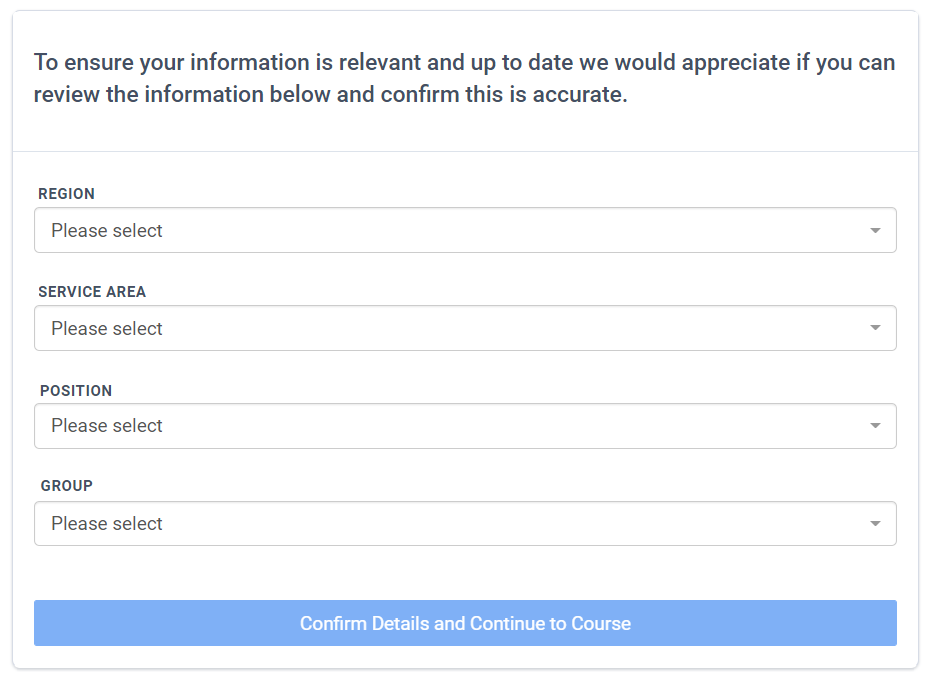
Our new Data Validation Form allows email-based users that have been targeted with a Direct Access course (no login required) to review and update their Custom Attributes before starting a course. View More.
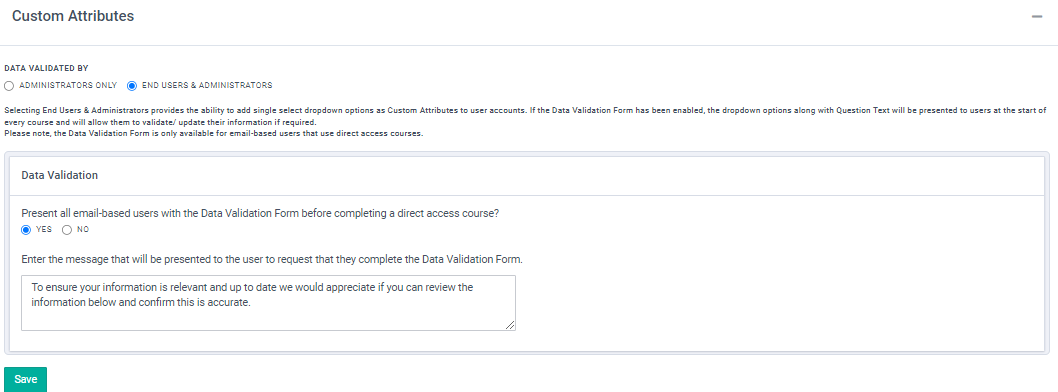
This feature allows Administrators to add new dropdown-type Custom Attributes. If the Data Validation Form has been enabled, the dropdown option Custom Attributes will be displayed to users before starting the Direct Access course.
MetaPrivacy – Assessment Generator
September 3, 2022
The Assessment Generator button (found on Step 2 within a Program) provides the ability for customers to pull the data from our privacy register records and display the responses within a privacy assessment for the owners to review and update. View more.

This feature includes a clever Summary View option, which allows users to quickly review a snapshot of their responses so they can determine if any changes are required before proceeding to the privacy assessment.

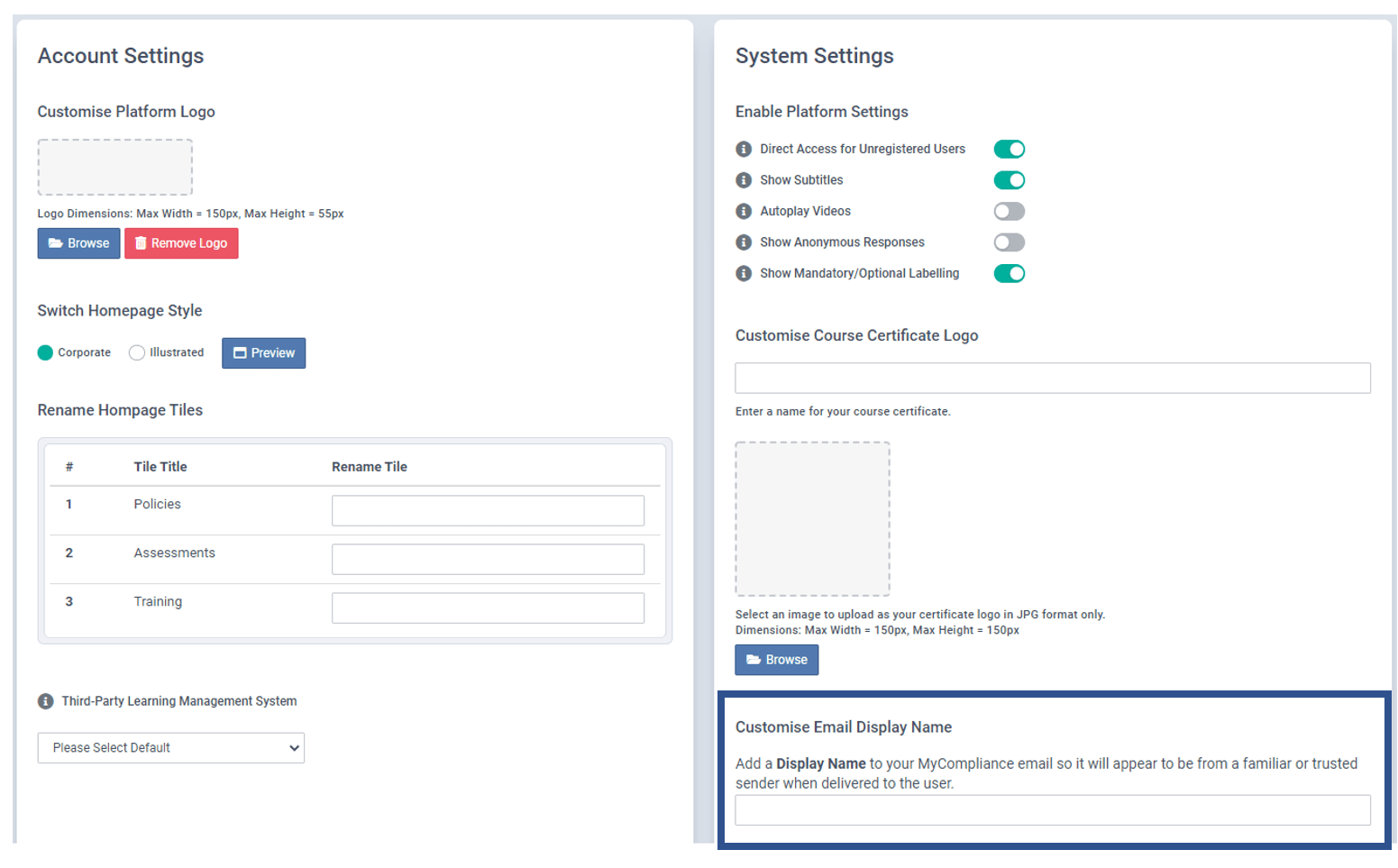
MyCompliance From Address Display Name
August 13, 2022
You can now add a Custom Display Name to your MyCompliance Email Address. Adding this will help your users recognise that all MyCompliance Notification Emails are from a trusted sender, and where applicable help to improve engagement. View More.
Reported Simulated Phish Emails
August 13, 2022
All Simulated Phish emails reported by end users via the MyCompliance Phish Reporter Plugin will now appear on the Phish Overview Report. This will provide Admins with the ability to review the phish results alongside the users who successfully reported the simulation.
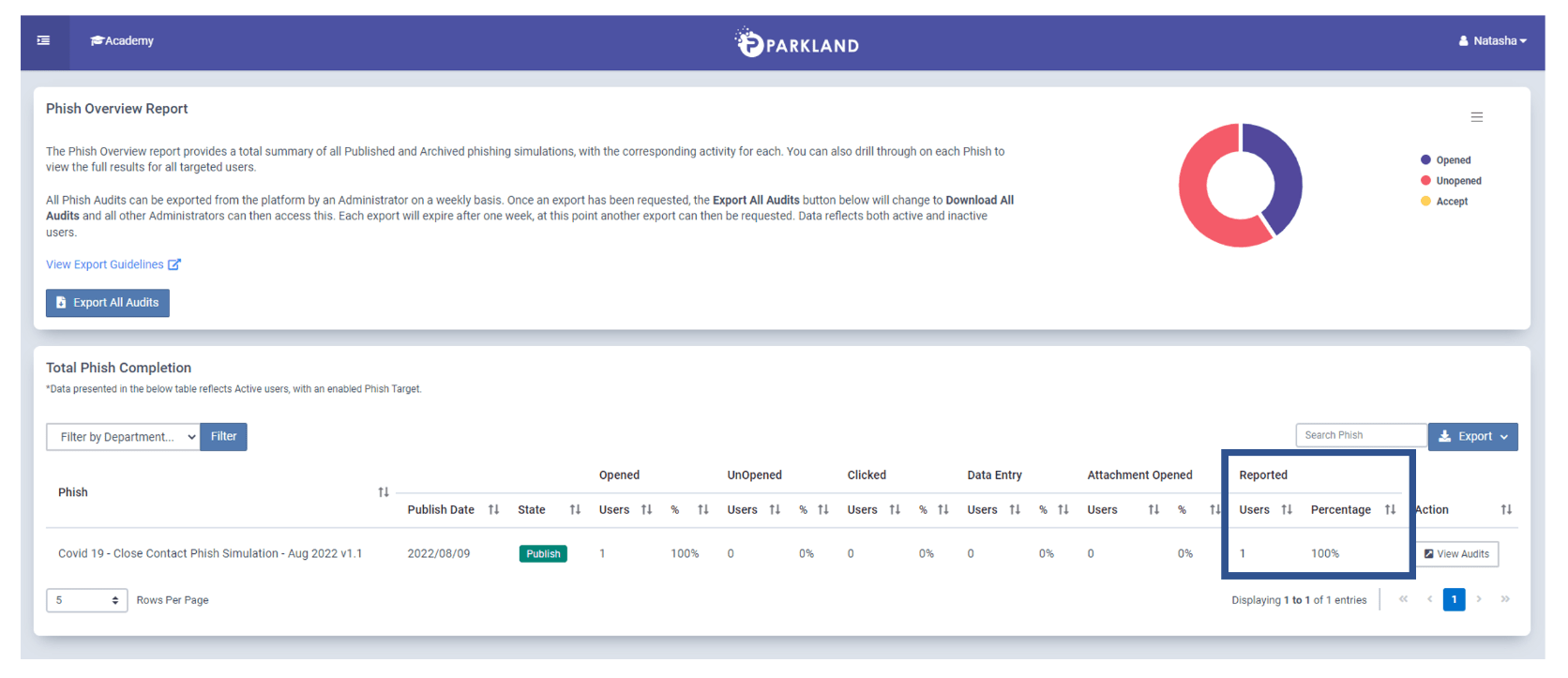
Please note that you may need to adjust the Column Visibility to view this new column within the Phish Overview Audit table. View More.
New Fusion Translation Features
July 30, 2022
Users will now receive an improved translation experience when completing Courses in their preferred language.
Translated Name has now been introduced for all Fusion Course Material. Fusion courses will now appear with increased translations, as shown on the Fusion Course menu below. View More.
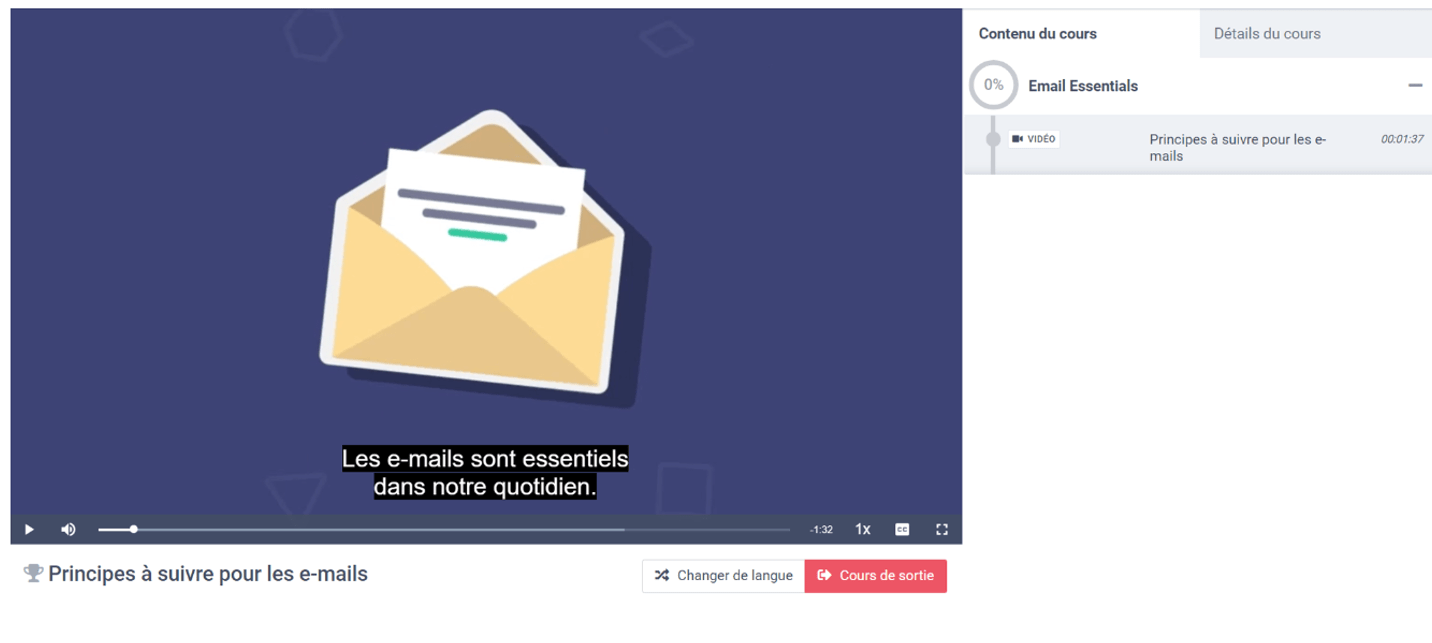
The MyCompliance Site Translation option has also now been extended to the MyCompliance Teams App and SCORM Transfer courses. This will ensure that users receive the same preferred language translation experience wherever they choose to complete the assigned course. This option is dependent on your subscription. View More.
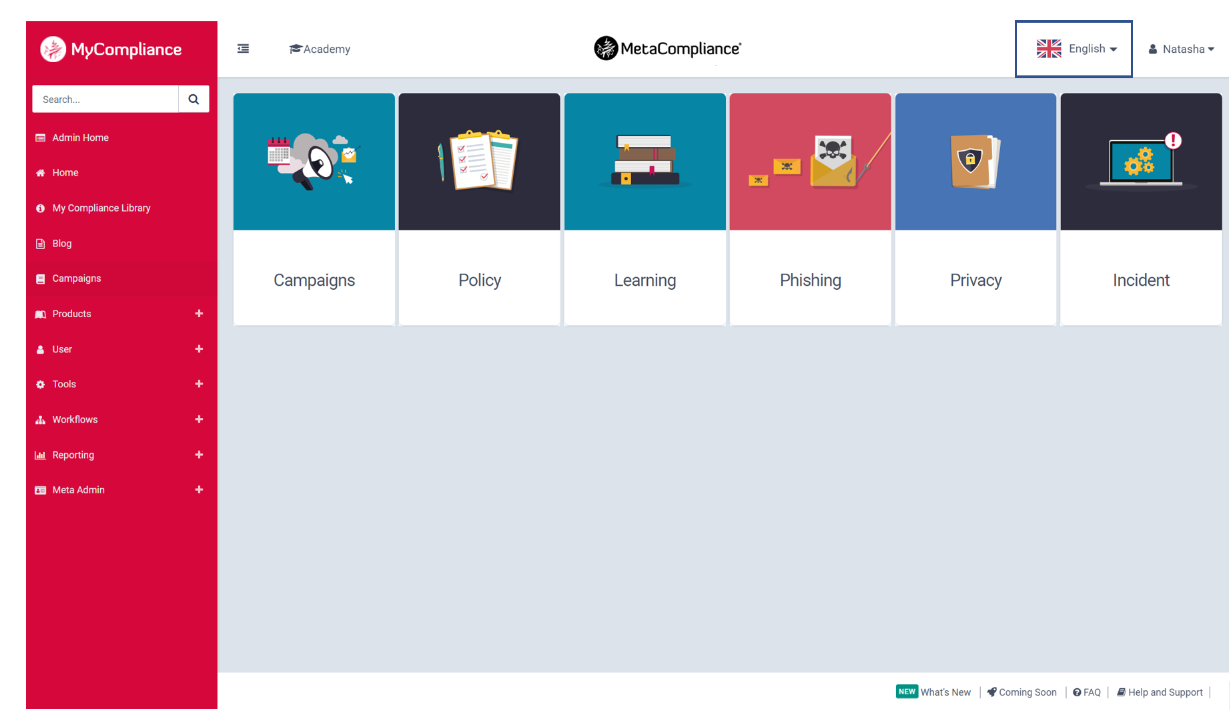
The above updates will be reflected on all existing & new Fusion & SCORM Transfer courses where languages have been included.
New & Improved Fusion Language Features
July 16, 2022
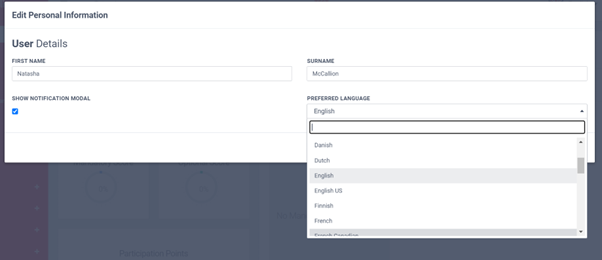
Users can now select their Preferred Language under their Profile. This will then inform the Fusion Course language drop down so that, if the language is available, the user’s preferred language is pre-selected. To assist with this, we have pre-filled the Preferred Language field with the most common language each user has selected when completing their Fusion Courses. If this information is not available, the user will be defaulted to English. Further details on this update can be found here.
Show Subtitles – All Languages
We have expanded the Show Subtitles option to now include all languages that have been added to the Fusion course, as opposed to English only. Further information on how to enable this can be located here.
This option has also been updated to present users with all available subtitle options when completing their Fusion Course.
Privacy Assessment Translations
May 28, 2022
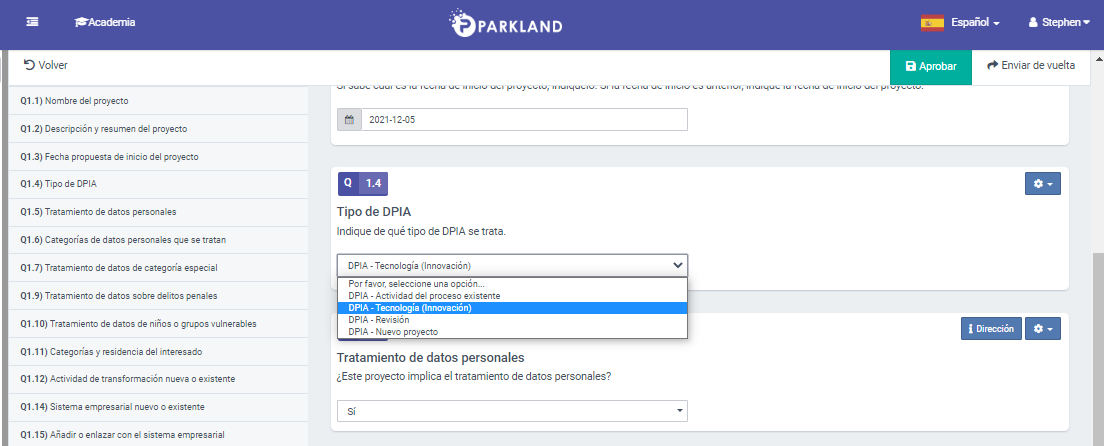
An minor update has been applied to ensure that drop down options and radio buttons translate to the selected language when completing and reviewing Privacy Assessments. View More.
Fusion Templates – Create a Copy Option
May 24, 2022
A minor update has been applied to the ‘Create a Copy’ option within Fusion Templates. This update will ensure Embedded Quiz settings are now copied across to your new Fusion Template. View More.