What's New
Direct Access – Removal of Logon Page
March 19, 2022
Policies, Surveys & Courses sent to users via the Direct Access method will no longer direct users to the MyCompliance logon page. Users will now receive the following popup once they complete their content. View More.
Customer API – New Timestamp Parameter
March 12, 2022
A non-mandatory timestamp parameter has been added to the Customer API – customerTimeStamp. View More.
By using this new parameter, you can refine the volume of data returned via the following Customer API calls:
- GetCourseAudits
- GetPhishAudits
- GetSurveyAudits
- GetPolicyAudits
- GetPolicyResults
- GetSurveyResults
- GetPhishResults
- GetCourseResults
Campaigns – Latest Updates
February 26, 2022
New Campaign Templates
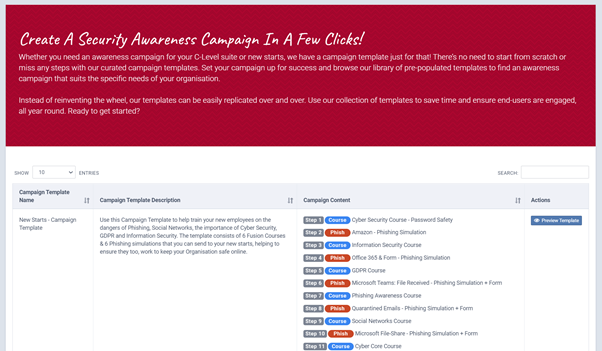
Whether you need an awareness campaign for your C-Level suite or new starts, we have a campaign template just for that! There’s no need to start from scratch or miss any steps with our curated campaign templates. Set your campaign up for success and browse our library of pre-populated templates to find an awareness campaign that suits the specific needs of your organisation. View More.
Campaign Flowbuilder – New Updates
To help improve your experience with Campaigns, we have added a few updates within the Flowbuilder area. These include:
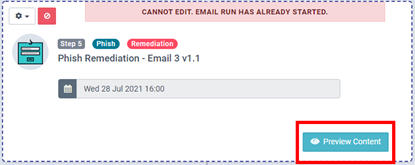
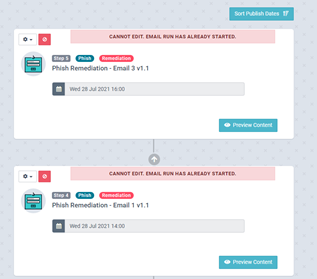
- Preview Content – Steps including a Phish simulation or Fusion course can now be previewed directly within the Campaign. View More.
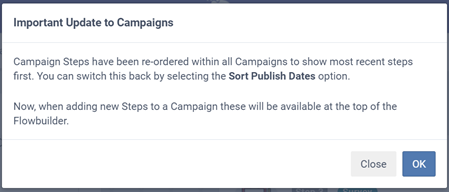
- Newest Steps first – Campaign steps have been re-ordered to show the newest steps first, however they can be reverted if required. When adding new steps to a Campaign, these will now be automatically added to the top of the Campaign, removing the need to scroll to the bottom of the Campaign each time. View More.
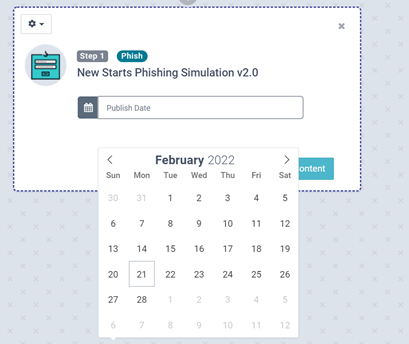
- Improved Calendar – Date/ Time selection on each individual step has been upgraded to a new view to assist you in choosing the required send date & time for each step.
Phish Delivery Report – Export Update
February 5, 2022
A minor update has been applied to the Phish Delivery Report to enable large exports to be completed.
Overview Report – Export Functionality
February 5, 2022
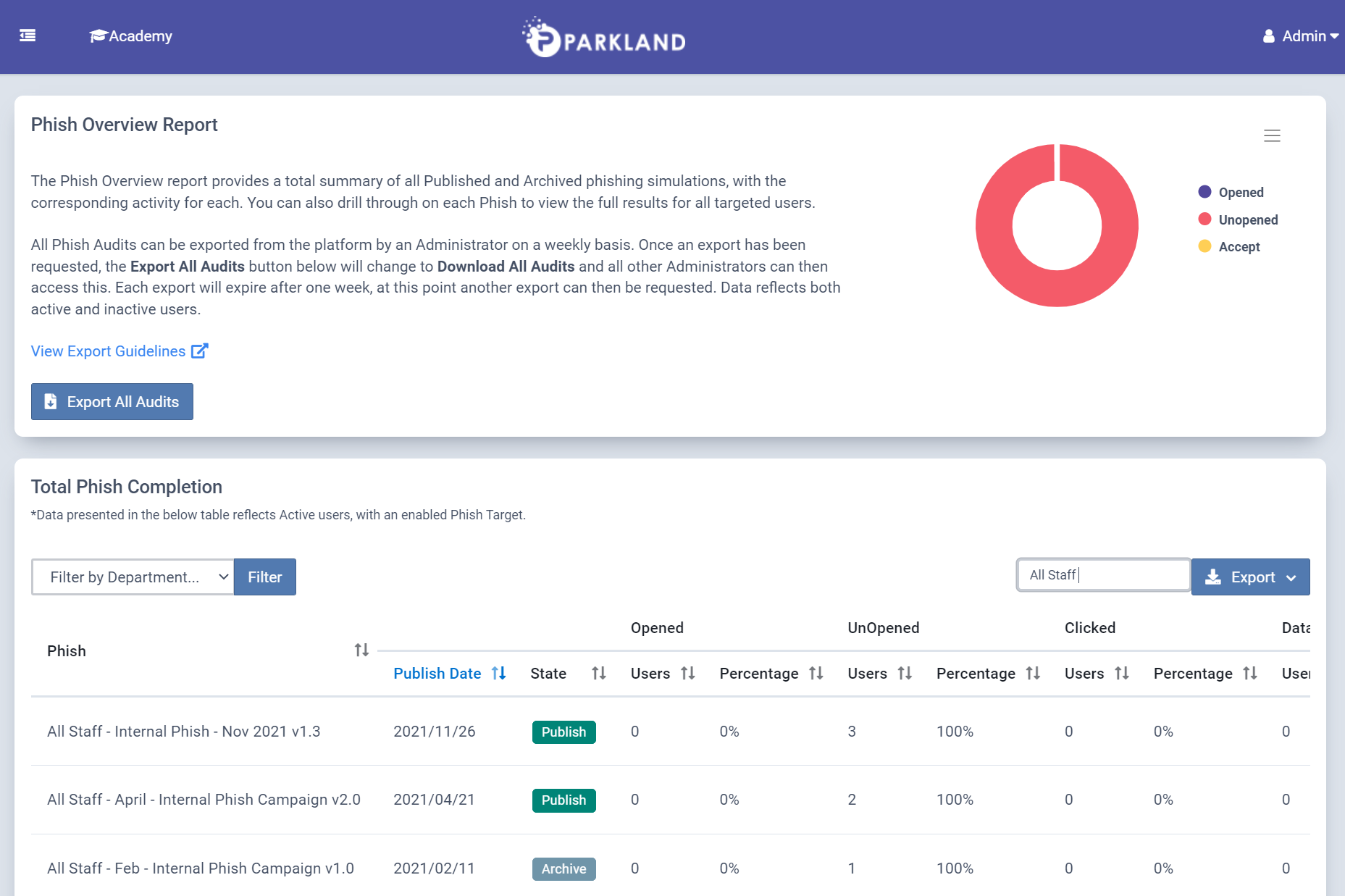
The Phish, Course, Policy & Survey Overview reports have been updated to enable the new Export action. A full export can now be requested for each module, by an Administrator once a week. This report will contain all audits, with all related data available. View More.
MyCompliance Teams App – Visual Updates
January 22, 2022
Several minor visual updates have been released to the MyCompliance Teams App. These are intended to support differences across Desktop & Mobile views of the application.
Customised MyCompliance URL
January 19, 2022
This new functionality provides MetaCompliance customers with the ability to customise the MyCompliance URL. In doing this, users can visit a platform that feels more familiar as the company name will be located within the URL. The URL will be constructed as below:
https://customername.metacompliance.com
The MetaCompliance Customer Experience Team are on hand to help you switch to a Custom MyCompliance URL – this will involve a small migration project which we can assist with.
Please feel free to contact [email protected] or your Customer Success Manager if you would like to proceed with this change. View More.
MyCompliance Teams App
January 6, 2022
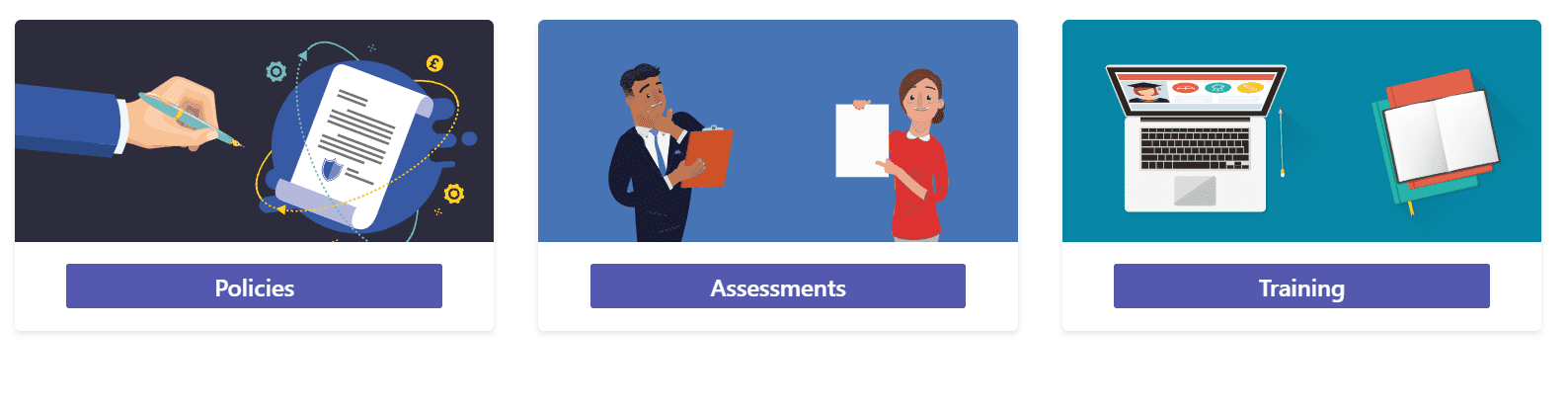
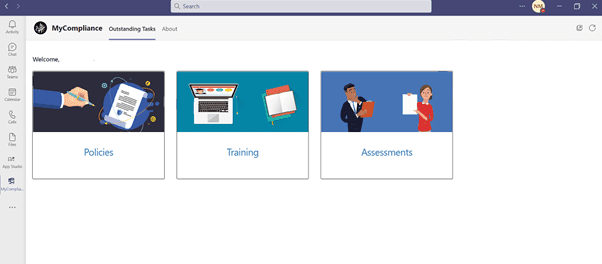
Many organisations struggle to engage users to complete any type of training. The key is to choose the path of least resistance, and make it easy for employees to engage. With the MyCompliance Teams App, users can complete their Security Awareness Training and policies without leaving the familiarity of the Microsoft Teams platform. This new feature will help to increase user engagement, improve adoption levels and make consumption easier. View More.
Privacy Assessment Review Changes
January 6, 2022
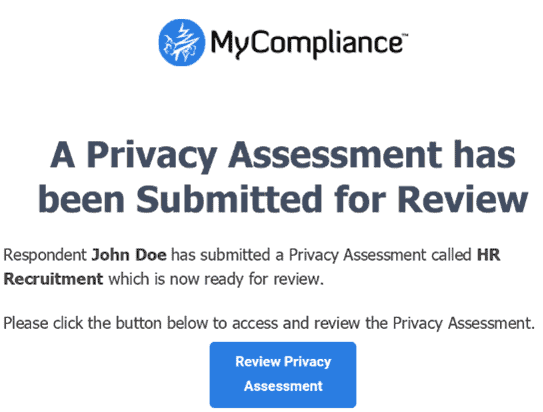
The privacy assessment review notification email will now be sent after each assessment submission to the program reviewer(s). Previously this email was limited to 1 email per week, per program.
To assist reviewers with identifying what privacy assessments have been submitted, we have added respondent and assessment name placeholders to the email along with updating the review email button link to navigate reviewers directly to the assessment.
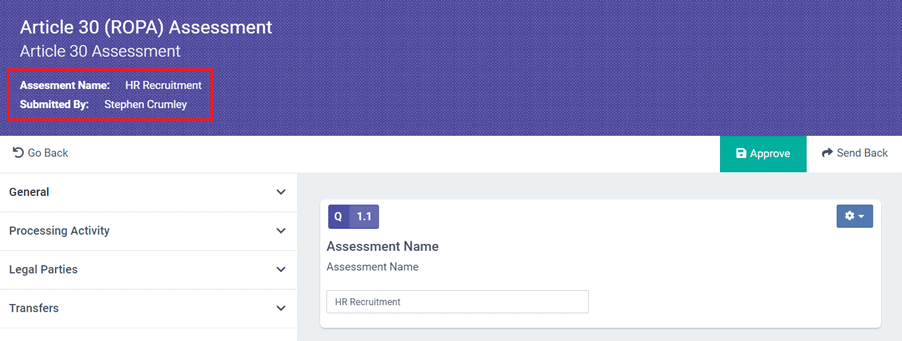
To allow reviewers to quickly establish which assessment they are reviewing, we have added the assessment name and the name of the respondent who submitted the assessment to the top banner. View More.
Assign a name to ‘Create your own’ Phish
December 1, 2021
For both single & multiple ‘Create your own’ phish, you now can add or update the email Template Name. This will provide enhanced reporting as you can now identify which email each user has received.
- Create your own Phish (Single) – Enter the name of your Phish email into the ‘Template Name’ field.
- Create your own Phish (Multiple) – Change ‘Create your own Phish X’ on the left to reflect the name of your Phish. As you add more phish to your campaign, continue to update this field.
- Editing a MetaCompliance Template – Once you have selected a MetaCompliance Template via the ‘Choose Email’ option, the assigned Template Name will populate, however this can be edited if required.
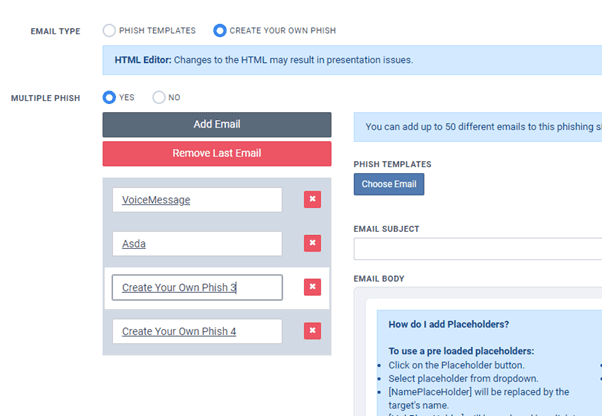
Going forward, the Template name for ‘Create your own Phish’ will be visible within the Phish Adoption and Phish Overview reports.
This update will also help you to understand with previous ‘Create your own phish’, which template each user received as this will now be visible within the reporting. View More

Fusion Course Quiz Updates
November 22, 2021
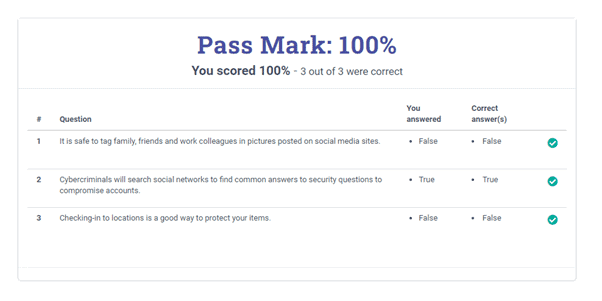
Quizzes within Fusion Courses have now been updated to provide the End User with additional feedback once they have submitted their responses. Users can now quickly review the question and answers, alongside an indication of whether their responses are correct or not. This has also been extended to the Embedded quizzes attached to Nano’s so that end users can understand how they have performed within each of the quizzes. View More.
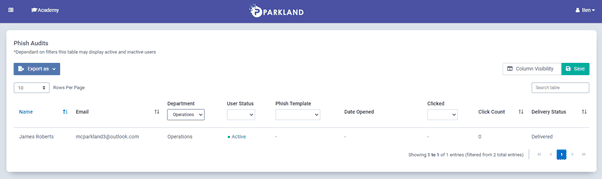
Delivery Status added to Phish Overview
November 18, 2021
To help you easily review and compare Phishing results, a new column has been added to the Phish Overview Report – Delivery Status. This can also help you to understand if the Phish has been successfully delivered to the user’s inboxes. Navigate to Reporting > Phish > Overview Report, locate the required Phish and select ‘View Audits’ to view this report. View More.